0:00 / 0:18

Photograph anything you use up. Backstock works out when each one will run out, at every place you keep stocked, and tells you in time.

Download on iOS
  • Free for one place
  • No account needed

Capture

One photo, and it’s on the shelf.

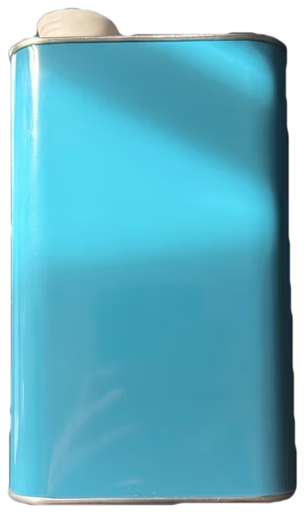
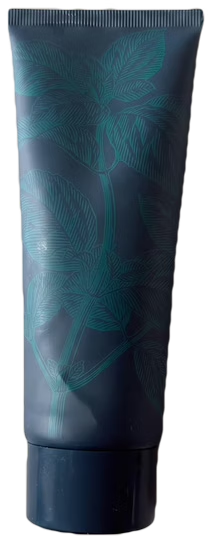
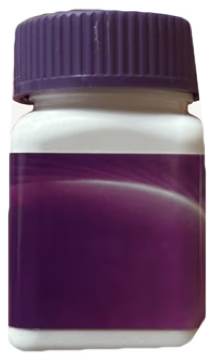
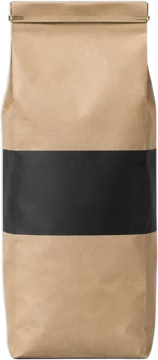
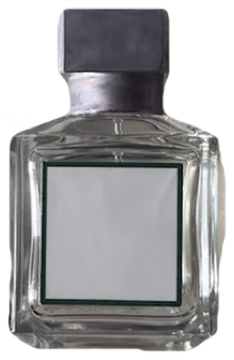
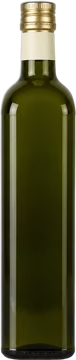
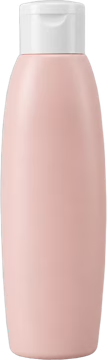
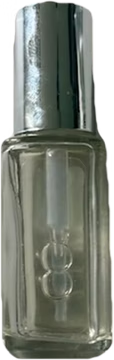
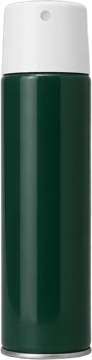
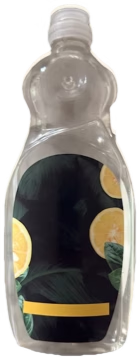
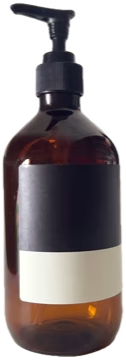
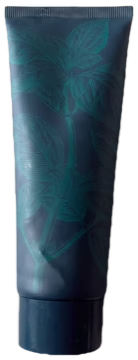
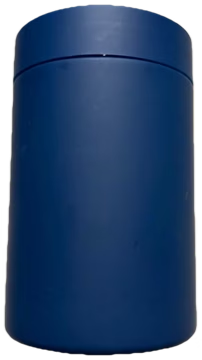
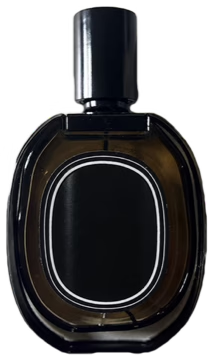
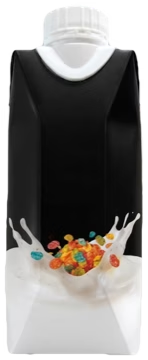
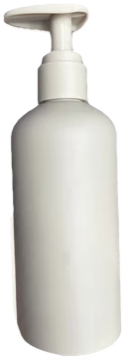
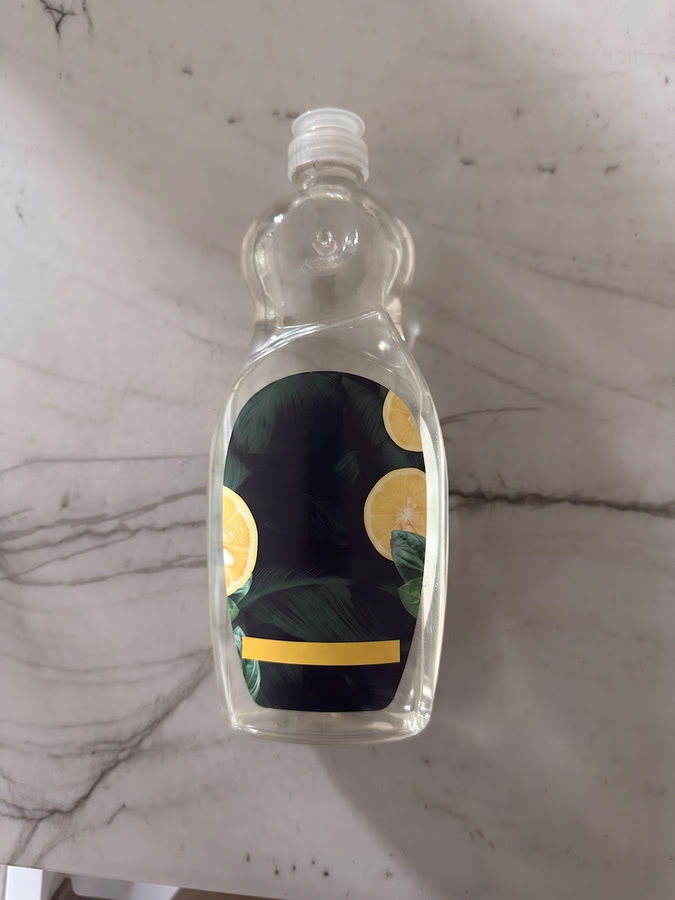
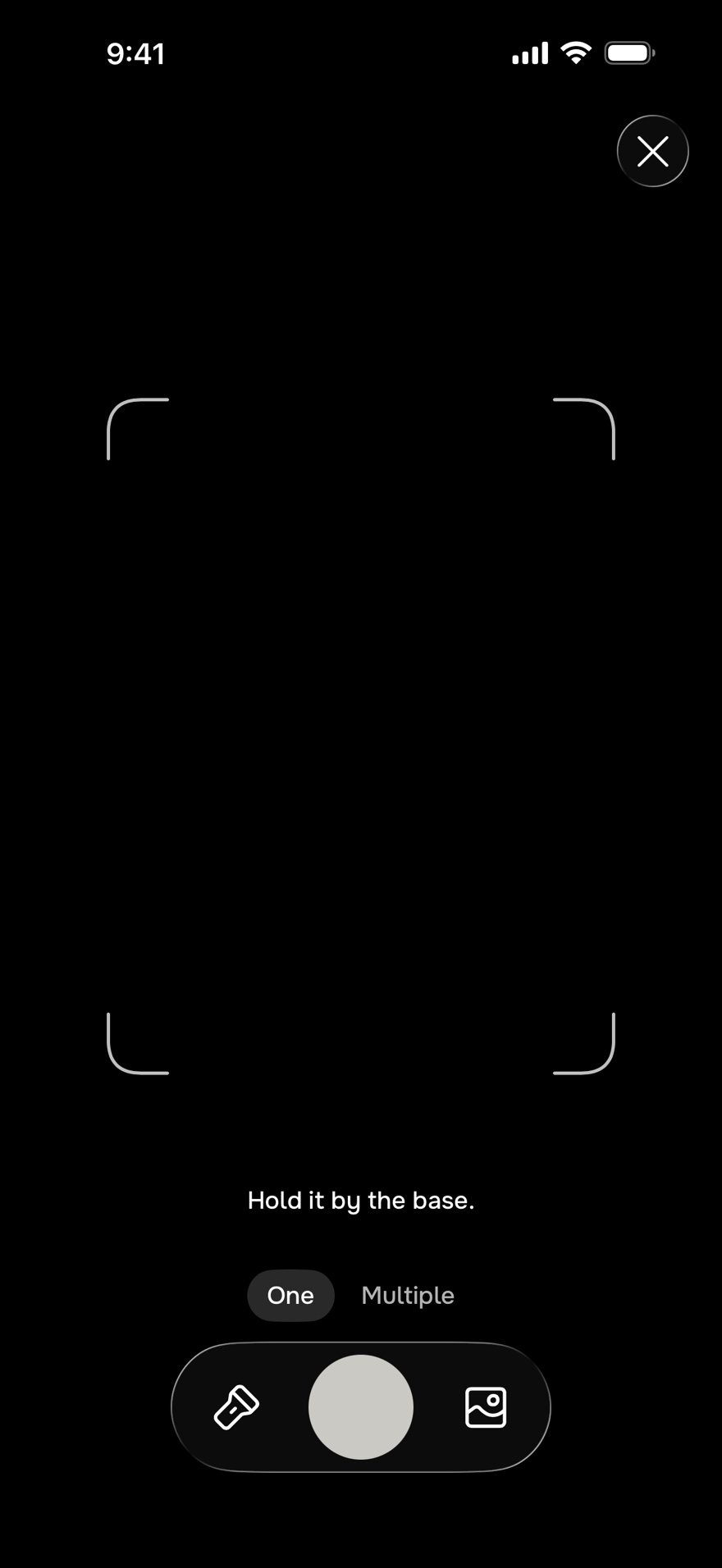
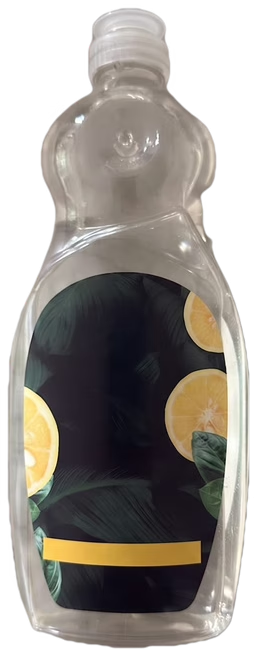
Point the camera at a bottle, a tub or a box. Backstock lifts it out of the photo, reads the label, and puts it on the shelf for the place it’s in.

Lemon Dish SoapSunfold
Lemon Dish Soap is on the shelf.

Tracking

Know before it runs out.

Backstock works out how long each thing lasts from how often you use it and how much is left, then tells you a week before it’s gone, or whenever you choose.

Everything running low, in one list

Restock gathers what runs out soon in every place, soonest first, with the days left on each.

The level is the status

Every sticker drains as the days go by, so the shelf shows what’s low at a glance.

An estimate that keeps up

Change how often you use it or how much is left, and the date moves with it.

Home: Vitamin C Serum
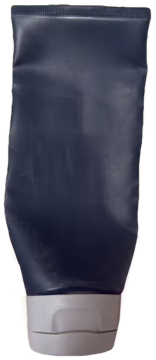
Your Home Vitamin C Serum runs out ~Nov 6. Reorder now?

A heads-up before it’s gone

One alert a week before it runs out. Choose anything from a day to a month.

Reorder in one tap

Reorder opens the product on Amazon, ready to buy. When you’re back, one tap tells Backstock it’s on the way.

Refill in a tap

Opened a new one? Mark it refilled, and the colour fills back to the top.

Runs out

~Mar 2027in 5 months

SparesToothpaste

3

Spares count

Keep one in the cupboard, and the run-out date moves out to cover it.

It learns as you go

Each refill shows how long one really lasts, so the next estimate is closer.

Places

Every place you keep things.

Home, the lake cabin, a travel bag: each place gets its own shelf. When nobody’s there, its levels stand still until you’re back.

A shelf for each place

Its own products, its own mark, and one tap to switch between them.

Paused while you’re away

If nobody else lives there, its levels and dates stand still until you’re back.

One list for all of them

Restock gathers what’s running low in every place, so one order covers both.

Extras

It’s there when you need it.

A widget on your Home Screen, Siri when your hands are full, a list before you travel, and a shelf you can share.

Before you go Backstock+

Pick your dates and see what’ll be low when you arrive, so you can order it before you leave.

Share a place Backstock+

Invite the people you live with to see the shelf, add to it and get its alerts. Joining is free.

On your Home Screen

A widget shows what runs out next and how soon, right on your Home Screen, no app to open.

Ask Siri

Ask “What’s running low in Backstock?” and Siri reads out what to restock, hands full or not.

Yours, in iCloud

No account to make. Your shelves stay in your own iCloud and come back when you get a new phone.

Several at once

Add a few products in a row, pick them from your photos, or add one without taking a photo.

FAQ

Good questions.

What people ask before they start, from what’s free to where your photos go.

Still have a question?

I make Backstock myself, and I read every message.

Send me a message

Yes, for your first place: unlimited products, run-out alerts, Reorder, a Home Screen widget and Siri’s “What’s running low”. It isn’t a trial, and there’s no account to make.

A shelf for every other place you keep stocked, Before you go, sharing a place, every widget, Siri’s “Mark refilled” and new app icons.

In the US it’s $24.99 a year, with 2 weeks free for new subscribers, or $3.99 a month. Prices differ by country; the App Store shows yours before you buy, and you can cancel anytime.

No. It doesn’t measure what’s inside a bottle. Levels and run-out dates are estimates from what you tell it (roughly how often you use something and about how much is left) and from how long your products have lasted before. You can correct a level anytime.

No. Say roughly how often you use something when you add it, and its level goes down on its own. When you open a new one, mark it refilled.

Tap the name to change it, or tap the product to fix the cutout. You can also pick a photo from your library, or add a product by name without one.

No. Reorder opens Amazon, the brand’s own store or a web search, and you check out there. As an Amazon Associate, Backstock earns from qualifying purchases.

No. The person who shares a place needs Backstock+. The people they invite join free, and joining doesn’t use up their own free place.

The photo is thrown away once the product is cut out. To name it, a smaller copy and the label’s text go to our server, which asks Anthropic’s Claude what it is; we don’t store it, and Anthropic doesn’t train on it. The privacy policy has the details.

On your iPhone and in your own iCloud, so they come back on a new phone. There’s no Backstock account, and you can export your shelves to a file from Settings.

No. Backstock is an iPhone app, for iOS 26 or later.

Still have a question?

I make Backstock myself, and I read every message.

Send me a message

Start with one shelf.

Photograph a few things you use every day, and Backstock keeps an eye on them.

Download on iOS